
IPTV uk Guide for all Devices

This iptv UK Guide walks you through setting up on Smart TVs, Firestick, Android, iOS, Windows, and Mac. Whether you’re using IPTV Smarters Pro, TiviMate, XCIPTV, HOT IPTV, or IBO Player Pro, we’ll show you the exact steps and provide quick login details so you can start watching live channels and on-demand content in minutes.

For Smart TVs (Samsung, LG, Android TV):

    • Install IPTV Smarters Pro, TiviMate, or SmartOne IPTV from your App Store.

    • Open the app and select “Login with Xtream Codes API”.

    • Enter the login details we sent you via WhatsApp or email.

 

For Windows/Mac:

    • Download IPTV Smarters Pro or VLC Player.

    • Ange dina Xtream Codes eller din Playlist URL (M3U).


For Android & iOS devices:

    • Install IPTV Smarters Pro or XCIPTV Player from the App Store / Google Play.

    • Log in with your provided details.


Firestick & Fire TV:

    • Install the Downloader app .

    • Use it to download IPTV Smarters Pro or TiviMate .

    • Enter your login info and start watching!

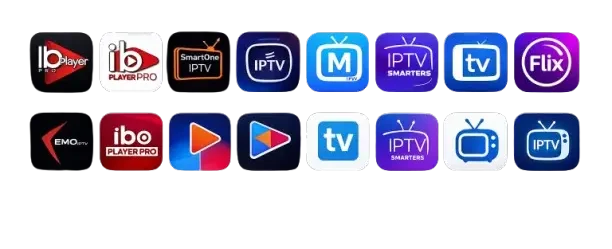
Recommended Apps -IPTV Uk :

1. IPTV Smarters Pro (Downloader Code: 78522)
2. XCIPTV (Downloader Code: 114407) – Google Play
3. Tivimate (Paid) (Downloader Code: 185194) – Google Play
4. HOT IPTV (Paid) (Downloader Code: 395800)
5. IBO Player Pro (Paid) – Official Site